

All trades
Measure a PDF plan without printing: 3 methods compared (2026)
How to measure a PDF plan without printing it: Adobe Acrobat, Bluebeam Revu, web app Surplan. Honest comparison, prices, limits, use cases.

Printing an architect’s plan at scale demands a large-format printer you don’t have in the office, takes ten minutes per plan set, generates paper for no reason, and exposes you to scale errors when you fall back on A3. Good news: for several years now, measuring a PDF plan without printing has not only been possible but standard in construction. Three tool families dominate the market. Here is which ones, their prices, their limits, and which one to choose based on your actual usage.
Why paper takeoff is disappearing
The shift dates back to 2019-2020 when engineering offices and tradespeople massively adopted PDF plan delivery by email. Before: you received the paper plan, you handled it. After: you received a digital file, and the practice of printing it just to digitise it again became absurd.
Three reasons make this switch permanent today:
- The hidden cost of printing. A locally-printed A0 plan costs ~£2.50 in paper + 5 minutes of handling. Over 200 projects a year, that’s £500 and 15 hours.
- Scale errors. Printing on A3 forces a scale recalculation. Scale errors account for about 15% of pricing disputes among tradespeople.
- Mobility. A PDF plan reads at the office, on a tablet at site, on a phone from the car. A paper plan stays in the office or gets lost.
Hence the rise of three tool families for measuring a PDF plan directly on screen.
Method 1: Adobe Acrobat Pro (the basic option)
If you already have an Adobe Acrobat Pro licence (~£18/month inside Creative Cloud), you have a built-in measurement tool. It’s the simplest option when you have nothing else.
How it works. In Acrobat Pro, open the PDF plan, go to Tools → Measure. You can then pick Distance, Perimeter or Surface. Before the first measurement, calibrate the scale by clicking two points whose real distance you know, then entering the value.
What it does well.
- Correct unit measurements (distance, perimeter, surface)
- Calibration remembered per document
- No extra tool to install if you already have Acrobat
What’s missing.
- No structured summary: each measurement stays isolated, you have to manually copy them into Excel
- No per-trade layers (paint, tile, electrical)
- No item counting (outlets, spots, lights)
- No clean annotated PDF export to attach to the quote
- No collaboration: one user at a time on the file
Verdict. Acceptable for 2-3 measurements on a small job. Not enough as soon as you price seriously.
Method 2: Bluebeam Revu (the US reference)
Bluebeam Revu is the US standard among architects, engineering consultancies and large general contractors. It’s a very complete desktop tool built specifically for construction pros.
How it works. Windows install (Mac in beta), licence at ~$349/year for the Standard version. Very advanced measurement tools (distance, surface, volume, counting), per-discipline layers, shareable annotations via Bluebeam Studio (proprietary cloud), bid export.
What it does well.
- The most complete feature set on the market (no contest)
- Per-trade / per-discipline layers
- Native item counting
- Professional annotations (clouds, callouts, legends)
- Separate iPad app (separate licence)
What’s awkward outside the US.
- English-only interface (no French / Spanish / German version)
- High price: ~$349/year for the base version, more if you want Studio (cloud)
- Desktop only: no web version, so per-machine installation
- Steep learning curve: built for daily intensive use
- iPad app billed separately
Verdict. Excellent for English-speaking studios or large structures with 10+ stations. Over-engineered for a tradesperson or a small European business.
Method 3: Specialised web app (Surplan)
Web apps are the most recent arrival on this market, and the one that fits SMB construction usage best. Surplan is one of them.
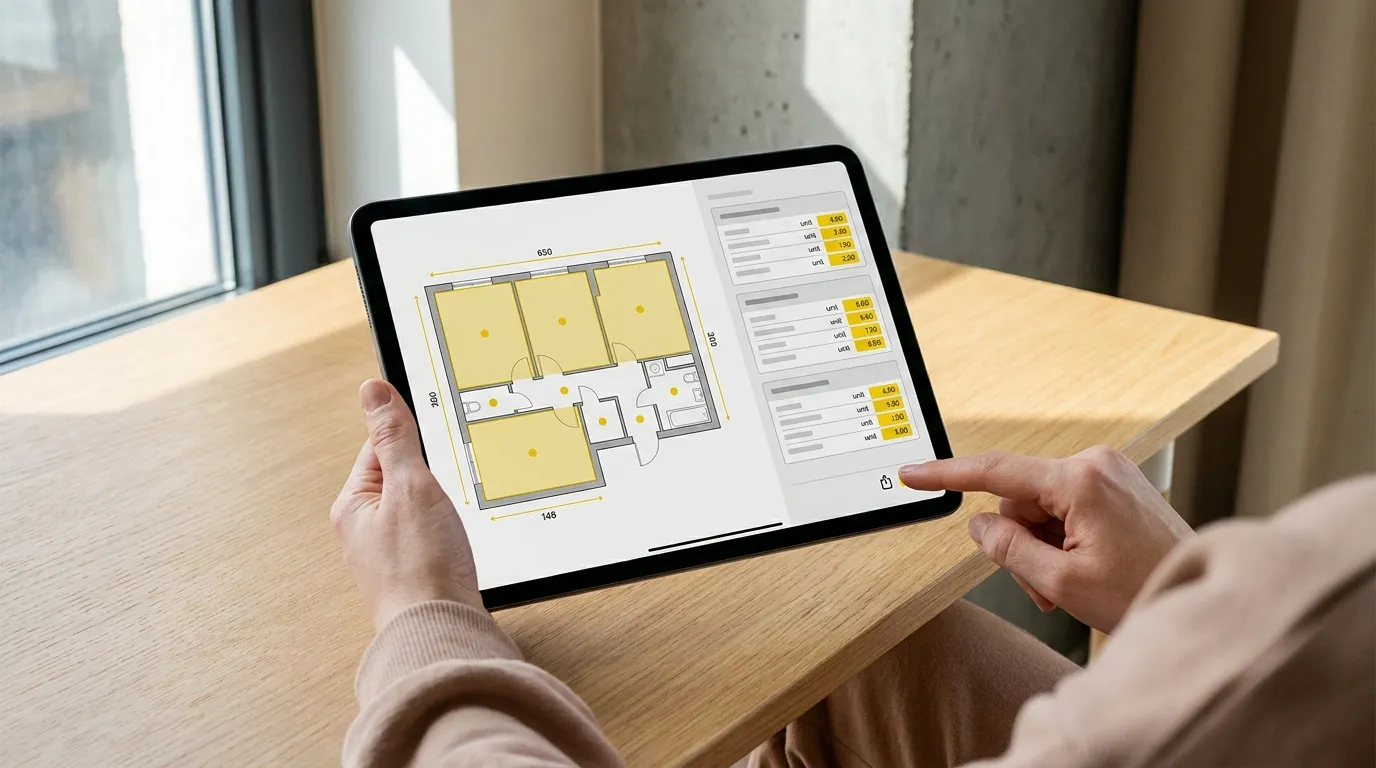
How it works. Open app.surplan.io in any browser (Mac, PC, iPad, Android tablet), drop your PDF, calibrate, measure. Nothing to install, nothing to update. The free trial runs 14 days with no credit card.
What it does well.
- 100% web, no installation
- Works natively on iPad and tablets (real site use)
- Surface measurements (polygons with Bézier curves), lengths, item counting
- Exportable CSV summary to Excel or your quoting software
- Annotated PDF to attach to the quote (the client sees what’s measured)
- Real-time collaborative editing between team members
- €19/month Solo, €29/month Team (+ €8/seat)
What might be missing.
- No offline desktop version (needs internet to load plans, work can then continue offline within the session)
- No automatic bid format export to industry-standard CCTP: CSV stays to be structured manually in your quoting software
- Smaller community than Bluebeam: fewer YouTube tutorials, smaller knowledge base
Verdict. The default choice for a tradesperson, an independent estimator or an SMB of fewer than 20 people who want to price fast without dropping €1,500 and without training the team on a complex tool.
Comparison table
| Adobe Acrobat Pro | Bluebeam Revu | Surplan | |
|---|---|---|---|
| Install | Yes (desktop) | Yes (desktop) | None (web) |
| Platform | Mac / Windows | Windows / Mac beta | Any browser, iPad, mobile |
| Language | EN + many | EN only | FR / EN / ES / DE |
| Price | ~£18/month | ~$30/month | €19/month |
| Trial | 7 days | 30 days | 14 days no card |
| Calibration | ✅ | ✅ | ✅ |
| Surface | ✅ (basic) | ✅ (advanced) | ✅ (with Bézier) |
| Item counting | ❌ | ✅ | ✅ |
| Exportable structured summary | ❌ | ✅ | ✅ |
| Annotated PDF | Partial | ✅ | ✅ |
| Real-time collaboration | ❌ | Via Studio (extra) | ✅ included |
| Target | Any PDF | US construction pros, large accounts | Tradespeople + EU SMBs |
Which method for which use?
No need to test everything to decide. The economics settle it fast:
- You price fewer than 5 plans a year and you already have Acrobat → stay on Acrobat Pro. The extra investment isn’t worth it.
- You’re an architect or engineering consultancy, English-speaking, 10+ stations → look at Bluebeam Revu, it’s the professional standard of international engineering offices.
- You’re a tradesperson, independent estimator, or European SMB with fewer than 20 staff pricing 5+ jobs a month → Surplan: best value, real tablet mobility, multilingual support. The 5-step takeoff method applies in 10-15 minutes per flat.
Tip: calibrate well, measure well
Whatever the tool, takeoff quality is 80% about the initial calibration. Three golden rules:
- Calibrate on a long dimension (over 2 metres). The shorter the dimension, the more pixel error propagates.
- Use an annotated dimension (a real architect’s dimension shown on the plan), not a visual guess.
- Cross-check on a second dimension: once calibrated, trace a distance on another dimension on the plan and verify it falls correct. If error > 2%, recalibrate.
What degrades accuracy beyond calibration — vector versus scanned plans, zoom level at the moment you click — is covered in our guide to measuring on a PDF and which tools actually do it, which also compares what the free readers can manage.
One method per trade
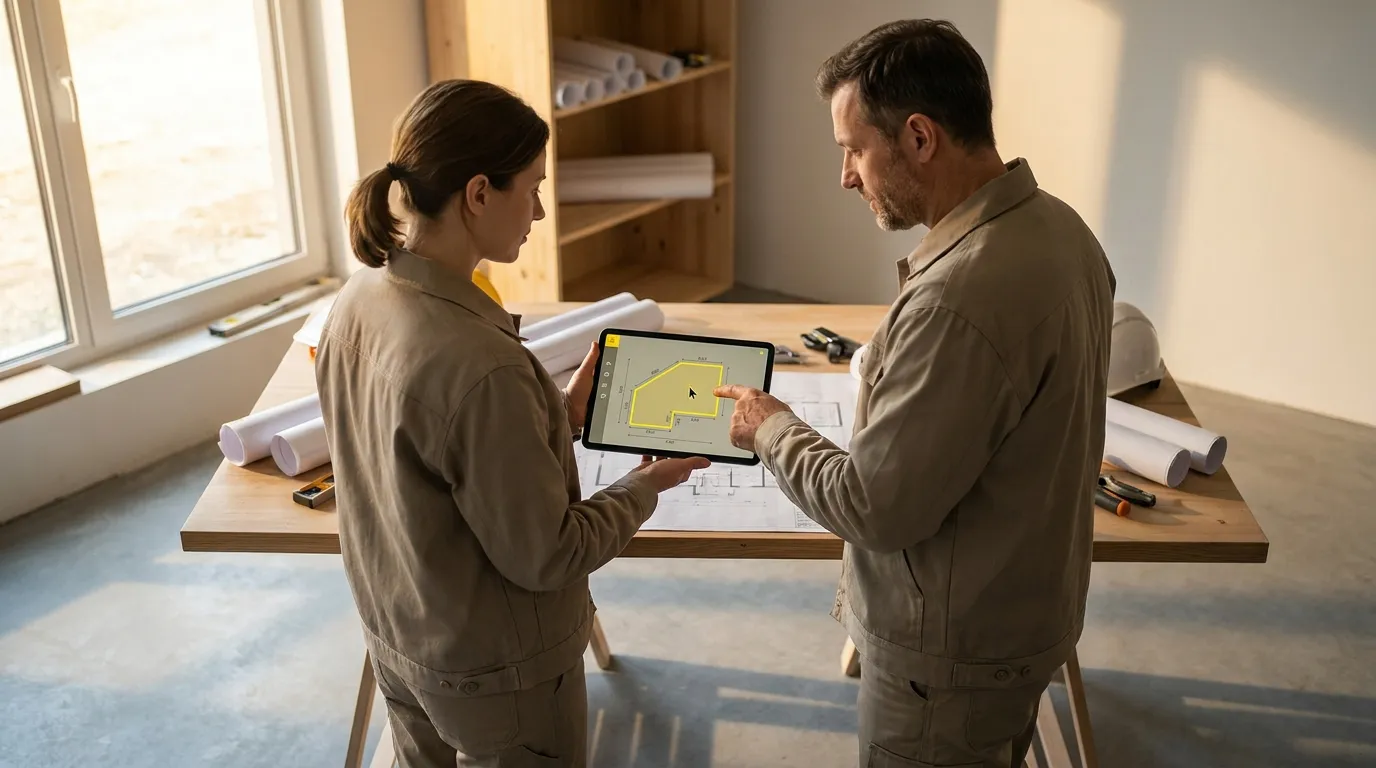
The PDF measurement workflow is the same everywhere, but the measurements taken change by trade. Each trade-specific guide details tools and a worked example:
- Takeoff software for painters
- Takeoff software for tile setters
- Takeoff software for electricians
- Takeoff software for plumbers
- Takeoff software for plasterers
- Takeoff software for roofers
- Takeoff software for carpenters
- Takeoff software for landscapers
Try before you switch
If you’re hesitating between the three methods, the simplest is to run a real measurement on each with one of your live plans. That tells you in 30 minutes which one fits your way of working.
The Surplan free trial (2 free plans, no credit card) covers every feature described above, calibration, surface polygons, counting, annotated PDF and CSV exports, collaboration. To dig into the step-by-step method, see the complete PDF measurement app guide or the 5-step takeoff method. For detailed pricing and team plans.
Paper takeoff was the norm ten years ago. Today, measuring a PDF plan directly on screen is the obvious choice: it’s just a question of picking the right tool for your scale.