

Carpenter
Takeoff software for joiners: price a job in 10 minutes
How a joiner prices openings and fitted furniture from a PDF plan, no CAD. Counting, glazing, trim, cupboards: method and full worked example.
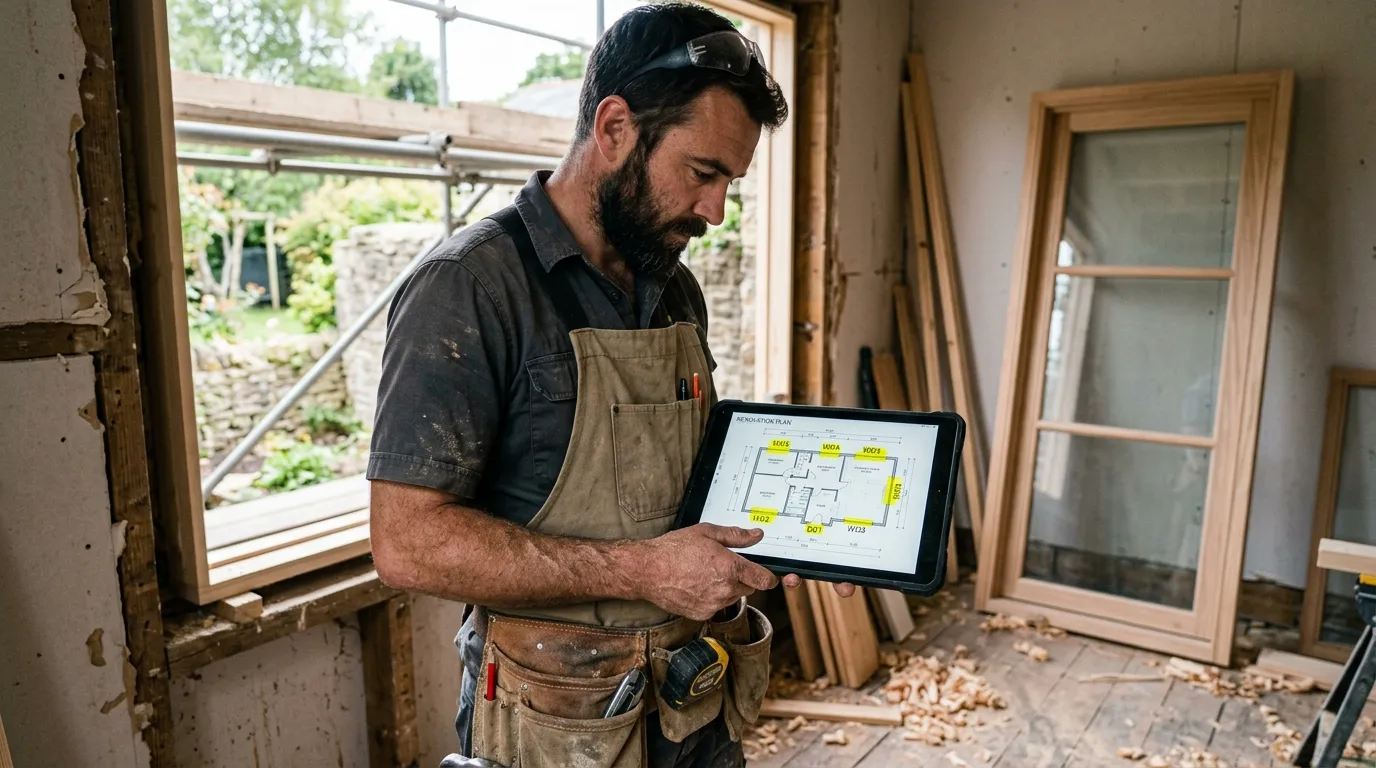
A joiner who quotes accurately keeps two things under control that are easy to miss on a plan: the exact number of openings (a window missed in the takeoff is a whole unit forgotten in the quote) and the dimensions of each opening (a mis-measured sash is a bespoke joinery item to remake). A PDF takeoff software turns the client’s plan into a precise opening schedule, opening by opening.
This article describes the method joiners use once they’ve switched to web-based PDF takeoff. Not the $800-a-month enterprise stuff: a simple tool that opens the PDF in the browser, calibrates, measures. Plan on 10 minutes to price a complete job (windows, doors, trim, cupboards), calibration included.
Why PDF takeoff changes everything for a joiner
A joiner quotes on four units: an opening count (windows, French doors, internal and external doors), glazing area (m²), trim and timber-skirting linear metres (lm), and a count of cupboards and bespoke fitted furniture. Everything else (hardware, glazing, seals, finishes, install) derives from these four numbers.
Before: paper plan unfolded, sweeping each room with a pencil, listing the openings, measuring opening dimensions “to the plan’s marked dimension” when legible. On a complete house, that’s 1 h 30 to 2 h of office time, and the permanent risk of missing an opening in a hallway or lobby.
After: open the PDF in Surplan, calibrate once, and drop a count point per opening, one category per type (window, French door, internal door, entrance door). For each opening, measure the width and height directly on the plan or elevation. Count and dimensions land automatically.
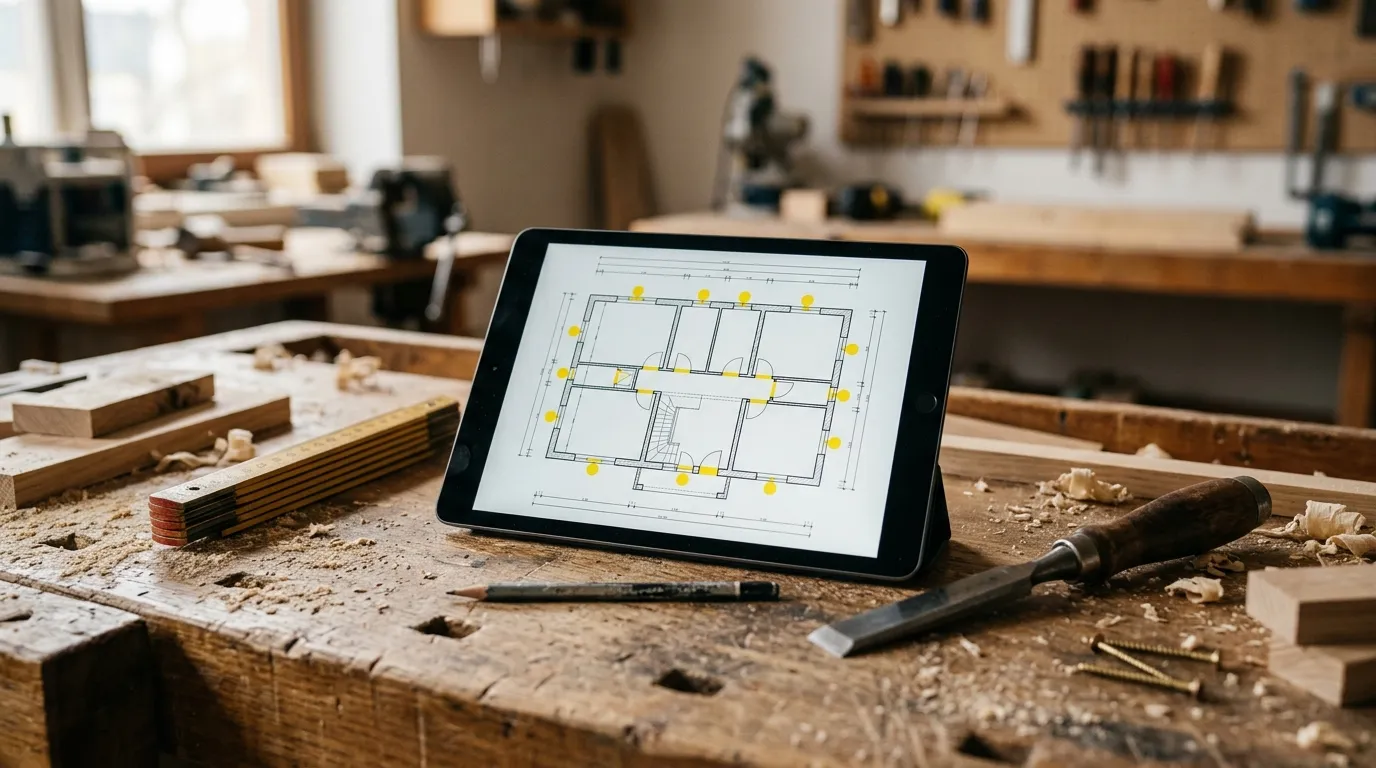
The time gap isn’t marginal. Paper + Excel: 1 h 30 to 2 h. Well-honed PDF tool: 10 minutes, recap export included. And critically, exhaustiveness: a methodical sweep of the plan, category by category, lets no opening slip through.
The 4 measurements a joiner takes from a plan
1. Opening count
The core of the quote. You sweep the plan, room by room, and drop a count point per opening: a category for “Window”, “French door”, “Internal door”, “Entrance door”, “Sliding door”. The counter increments. On export you get the exact tally by type: that’s your supplier order.
Tip: sweep the plan in a fixed order (room by room, clockwise) so you skip no opening. Method beats gut feel.
2. Glazing area
For each opening, measure the width and height directly on the plan (in plan for the width, on the elevation for the height if available). Surplan computes the area. Useful for pricing the glazing (double, triple, enhanced insulation) and for energy-code calculations.
3. Trim and timber-skirting linear metres
Timber skirting, picture rails, corner beads, reveal linings. = Perimeter of the relevant rooms − openings. The polygon traced for the room gives the perimeter; you subtract the doors. One category per profile type.
4. Cupboards and fitted furniture count
Cupboards, dressing rooms, bookcases, under-eaves units, bespoke worktops. Count mode: one point per item, or a polygon if you price by linear metre of frontage. Each bespoke item is its own quote line: manufacture + install.
Concrete method: price a joinery job in 10 minutes
Minute 0-1: import + calibration. Open the PDF in Surplan, calibrate on an architect dimension. All following measurements in real metres.
Minute 1-5: count openings. Sweep the plan room by room, one click per opening, one category per type. The counters increment live.
Minute 5-8: openings and trim. Measure width × height of each opening. Then the trim and timber-skirting linear by polyline.
Minute 8-9: export recap. Surplan exports an annotated PDF (plan with openings tagged by type) plus a recap (tally by opening type, dimensions per opening, trim linear, n cupboards). CSV for your quoting software and supplier order.
Minute 9-10: quote. Apply your prices by opening type (by dimensions), your trim lm prices, your cupboard fixed prices. Quote ready.
Comparison: paper, Excel, Bluebeam, Surplan
| Paper plan + ruler | Excel + calculator | Bluebeam Revu | Surplan | |
|---|---|---|---|---|
| Average time (complete house) | 1 h 45 | 1 h 15 | 22 min | 10 min |
| Openings missed (average) | 2-4 | 1-2 | 0-1 | 0-1 |
| Annotated plan in quote | no | no | yes (markup) | yes (annotated PDF + recap) |
| Learning curve | none | ~1 h Excel | 3-5 days training | < 10 min |
| Monthly cost | $0 | $0 (~$9/mo Office) | $20/mo ($200/yr) | |
| Data hosting | local | local | United States | France (Paris, EU) |
For a self-employed joiner or a 2-5 team, a web tool like Surplan is plenty. Bluebeam is oversized: 90 % of features you’ll never use.

Classic pitfalls to avoid
Missing an opening in a lobby
Trap number one. A cupboard door in a hallway, a WC window, a transom above a door: all openings easy to miss when skimming the plan. The methodical sweep (category by category, room by room) is the only safeguard.
Measuring the structural opening instead of the frame
Mind what you measure: the structural opening dimension (the hole in the wall) or the frame dimension (the joinery casing). The gap is 4 to 10 cm per side. Always note which dimension you record, and stay consistent across the whole job.
Mixing opening types
Single-sash window, double-sash window, French door, slider, internal door, entrance door: each type has its price. One count category per type, otherwise the recap is useless for ordering.
Not attaching the annotated plan to the quote
Free in every modern tool. The client sees each opening tagged and numbered. For a window-replacement job, it’s also your install plan: no more ambiguity over which window goes where.
Frequently asked questions
How do I measure the height if the elevation isn’t on the plan?
On a renovation, you measure the height on site during the visit. On a new build, the elevation or the plan’s window schedule gives the heights. Surplan lets you enter a height per category or per opening.
Is the plan’s window schedule enough?
If complete, it’s a good starting point, but you must check it against the plan. PDF takeoff lets you visually re-count the openings and catch the schedule’s omissions.
Does the PDF have to be vectorial?
No. A scan of a paper plan works too, as long as a dimension is readable for calibration. Near-identical accuracy after calibration.
How much does takeoff software cost for an independent joiner?
Surplan is €19 ex-VAT per month or €190 ex-VAT per year (~17 % discount, ~2 months free). No commitment, cancel in one click. Over 40 % cheaper than US equivalents like Bluebeam. 2 free plans, no credit card and no time limit.
Are my client plans safe?
Yes: your plans and measurements are hosted in France (Paris) at Supabase, on AWS infrastructure. Encryption at rest and in transit. GDPR-native.
Does it replace my quoting or manufacturing software?
No, it complements it. Surplan computes counts and dimensions from the plan. You export to CSV and import the lines into your usual quoting or joinery-costing software.
The bottom line
A joiner who goes from 1 h 45 to 10 minutes per quote doesn’t just save time: they gain exhaustiveness. No more opening missed in a lobby, no more mis-dimensioned opening, no more unit absent from the quote. And the margin stays intact.
If you want to try, Surplan’s 2 free plans don’t ask for a credit card. Import a plan, calibrate, count the windows of one floor. You’ll know in 20 minutes if it fits how you work.