

Plumber
Takeoff software for plumbers: price a sanitary job in 12 minutes
How a plumber prices a complete sanitary install from a PDF plan, no CAD, no endless spreadsheet. Pipe linear metres, water points, fittings: method and worked example.
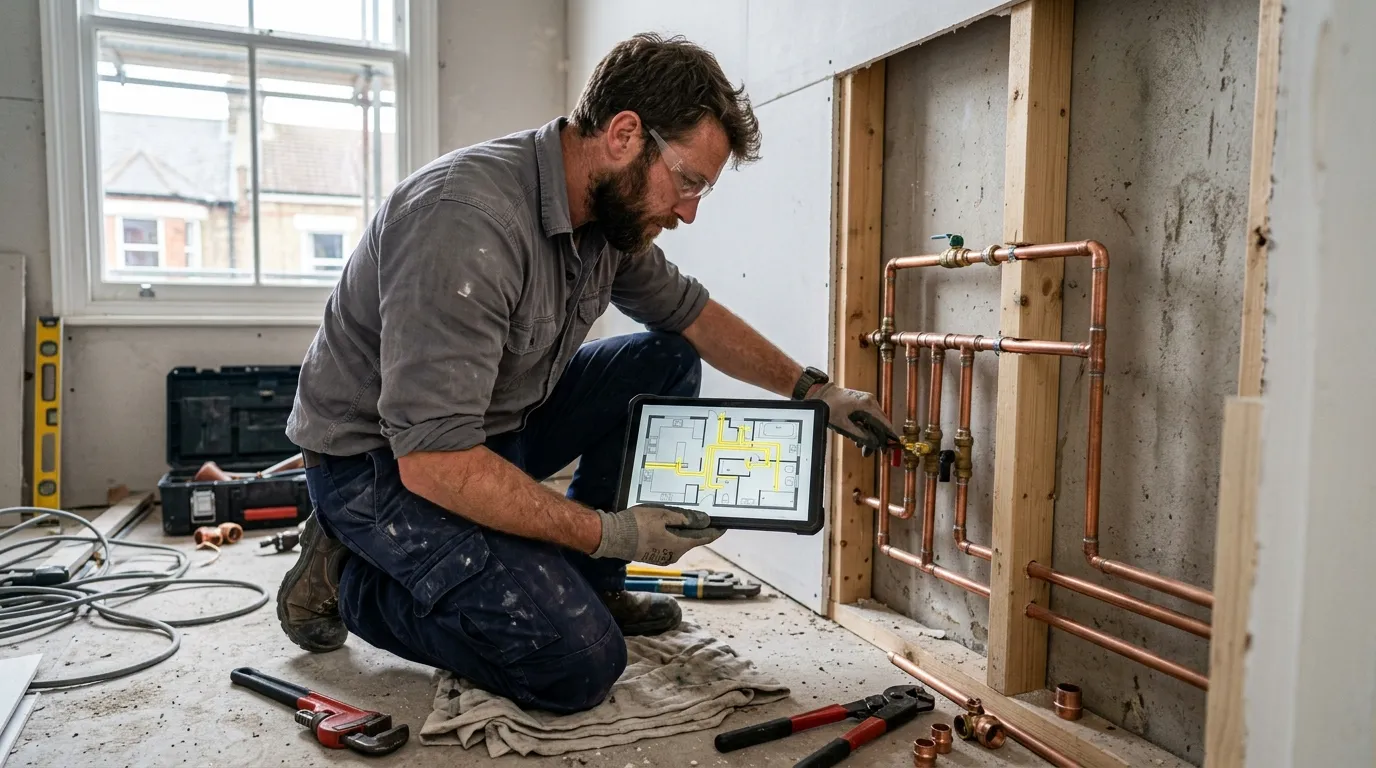
A plumber who quotes fast and accurately protects two things at once: their margin on the quote, and their schedule on site. Too often, we see the opposite: a quote rushed out in two hours on Excel, based on lengths roughly eyeballed, and a job overrunning by 30 % because someone missed 12 metres of PEX between the meter and the kitchen. Multiply that by 8 jobs a month and you understand why a PDF takeoff software pays for itself in the first week.
This article describes the method used by plumbers and heating engineers who’ve switched to a web-based PDF takeoff tool. Not the $800-a-month enterprise stuff: a simple tool that opens the client’s PDF in the browser and makes it measurable. Plan on 12 minutes to price a complete apartment (cold + hot supply, drainage, water points), calibration included.
Why PDF takeoff changes everything for a plumber
A plumber works on four main units: pipe linear metres (PEX, multilayer, copper, PVC), water point count (taps, toilets, showers, machines), fittings/valves count, and sometimes technical screed area. The whole quote derives from these: labour, materials, accessories.
Before: paper plan spread on the table, ruler in hand, roughly measuring the runs from meter to each water point, mentally counting valves, filling Excel. On a 3-room flat with bathroom, kitchen and washing machine, that’s easily 2 hours of office time. And the error margin on pipe linear can reach 20 % because you neglect vertical risers, technical riser shafts, return runs.
After: open the PDF in Surplan, calibrate once (on an architect-marked dimension), then trace the pipe routes directly on the plan following the walls. The tool gives the exact linear metres in real metres on every click. Count water points with the counting tool: one click per tap, toilet, shower.
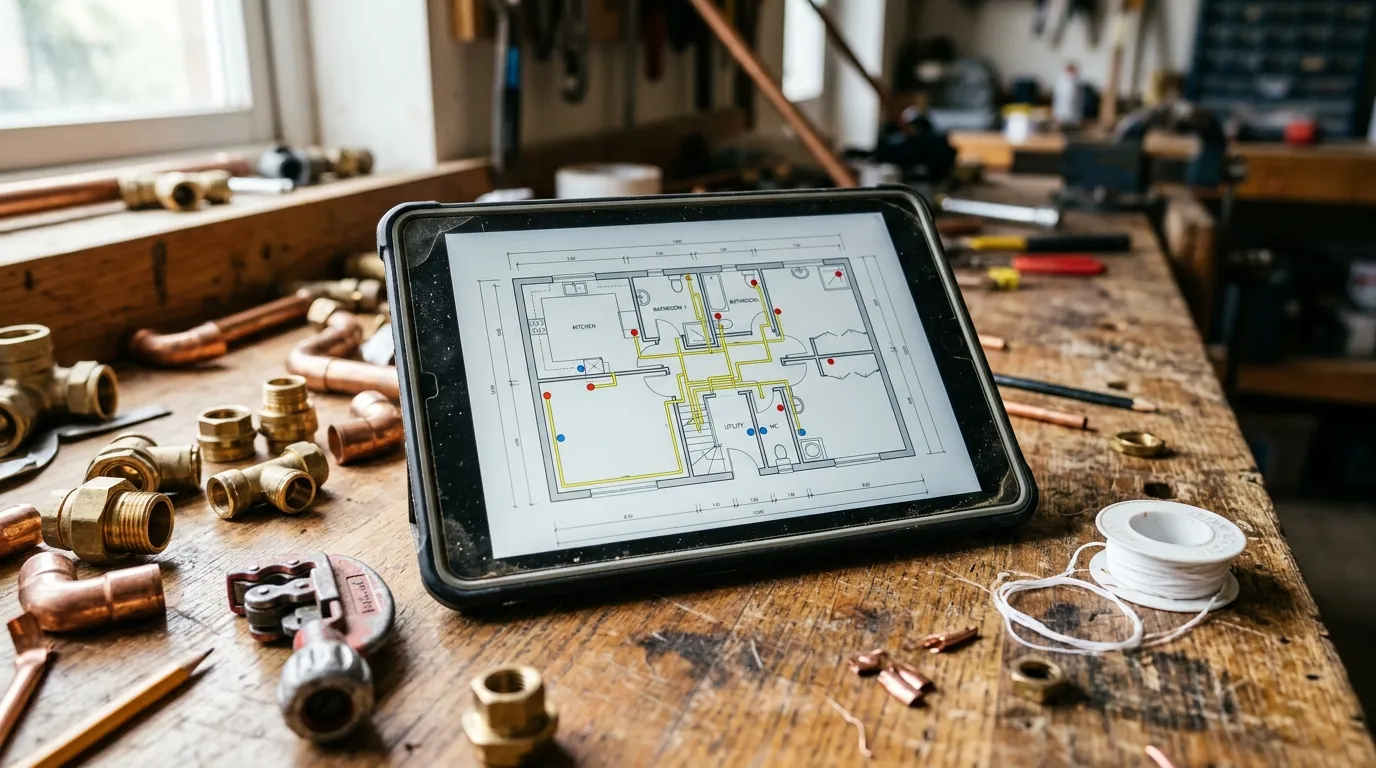
The time gap isn’t marginal. On a complete 3-room sanitary, paper + Excel takes 2 h 00 to 2 h 30. On a well-honed PDF tool: 12 minutes, recap export included. Beyond time saved, you gain reliability: no more forgotten linear, no more missed water point in the bill of materials, no more regrets after signing.
The 4 measurements a plumber takes from a plan
1. Pipework linear metres
This is 40 to 50 % of the quote. You trace a polyline on the plan, following the walls from the supply meter to each water point. The tool sums the linear automatically as you click. For vertical risers (between floors, in shafts), add a flat linear by riser: typically 2.50 m for a standard riser.
Tip: trace one polyline per diameter (PEX 16, PEX 20, copper 14, etc.). In Surplan you can create a measurement family per type so it doesn’t all mix.
2. Water point counting
Taps, toilets, showers, baths, dishwashers, washing machines. Counting mode, one click per point. The tool maintains a live counter. On export you get the breakdown by type: useful for the bill of materials.
3. Valves, fittings and accessories
Tee, elbow, coupling, shut-off valve, thermostatic mixer. Count the singular points on the plan: usually marked by the architect or estimated from the topology. Also count inspection chambers if drawn.
4. Technical screed (when applicable)
For plant rooms (boiler room, sub-station), draw a polygon around the room to get the floor area. Useful for pricing a liquid insulating screed or the manifold zone.
Concrete method: price a 3-room sanitary in 12 minutes
Typical sequence for a 3-room flat with bathroom (BR + separate WC), kitchen and washing machine point.
Minute 0-1: import + calibration. Open the PDF in Surplan, calibrate on a marked dimension (façade length for instance). All following measurements are in real metres.
Minute 1-6: trace the runs. Polyline-trace the cold supply from meter to each point. Then hot supply from the cylinder. Then drainage from each trap to the stack. Each trace is counted separately.
Minute 6-9: water points + fittings. Counting mode: taps (4), toilets (2), shower (1), bath (0), washer (1), dishwasher (1). Then valves, distribution tees, manifold if applicable.
Minute 9-11: export recap. The tool exports an annotated PDF (your plan with runs colour-coded by fluid + dots on water points) plus a recap (linear by diameter, count by point type, accessories). CSV for your quoting software.
Minute 11-12: quote. Apply your linear-metre prices by diameter, your prices per water-point type, your accessory prices. Quote ready to send.
Comparison: paper, Excel, Bluebeam, Surplan
| Paper plan + ruler | Excel + calculator | Bluebeam Revu | Surplan | |
|---|---|---|---|---|
| Average time (3-room sanitary) | 2 h 00 | 1 h 30 | 30 min | 12 min |
| Accuracy (linear lm) | ±15-20 % | ±10 % | ±1 % | ±1 % |
| Annotated plan in quote | no | no | yes (markup) | yes (annotated PDF + recap) |
| Learning curve | none | ~1 h Excel | 3-5 days training | < 10 min |
| Monthly cost | $0 | $0 (~$9/mo Office) | $20/mo ($200/yr) | |
| Data hosting | local | local | United States | France (Paris, EU) |
For a self-employed plumber or a 2-5 team, a web tool like Surplan is plenty. Bluebeam is huge in big MEP firms but 90 % of its features won’t ever serve you.
Classic pitfalls to avoid
Forgetting vertical risers
Beginner mistake number one. The floor plan is 2D. A riser from basement to first floor adds 5-6 metres per fluid easily. Get the habit of adding a flat linear per riser detected on the plan.
Mixing cold, hot and drainage in one trace
If you trace everything mixing fluids, you no longer know which diameter applies to what at export time. Create one measurement per fluid: “Cold PEX 16”, “Hot PEX 16”, “Drain PVC 40”.
Underestimating fittings on a branched network
A tee = one fitting to count. An elbow = one fitting. On a 3-room flat, you easily have 30 to 50 fittings in the BOM. If you don’t count them, you forget them, and the hardware bleeds margin.
Not attaching the annotated plan to the quote
It’s free in every modern tool. The client sees the route immediately, understands why you’re charging X metres of pipe, and signs faster. For construction insurance especially, an annotated plan is a strong argument.
Frequently asked questions
Is the client’s PDF always usable?
In 95 % of cases yes. Architect plan, estate-agent plan, surveyor plan: any PDF with at least one readable dimension works. If nothing is marked, calibrate on a known object: a standard door is 0.80 m, a WC pan is 0.40 m.
How do I handle a multi-floor job?
One calibration per page if the scale changes. Most tools let you navigate between PDF pages and trace independently on each. You then add the vertical risers as flat linear.
Does Surplan handle isometric schematics or only 2D plans?
2D plans mostly. For an isometric, measure the 2D projection and apply a riser coefficient. Accuracy is around ±3 %, plenty for quoting.
How much does takeoff software cost for an independent plumber?
Surplan is €19 ex-VAT per month or €190 ex-VAT per year (~17 % discount, ~2 months free). No commitment, cancel in one click. Over 40 % cheaper than US equivalents like Bluebeam. 2 free plans, no credit card and no time limit.
Are my client plans safe?
With Surplan, yes: your plans and measurements are hosted in France (Paris) at Supabase, on AWS infrastructure. Encryption at rest and in transit. You stay owner of your data and can export it any time. GDPR-native.
Does it replace my quoting software?
No, it complements it. Surplan computes linear and counts from the plan. You export to CSV and import into EBP, Sage Batigest, Mestré or whatever. Each tool stays specialist of its role.
The bottom line
A plumber who goes from 2 hours to 12 minutes per quote doesn’t just save time: they gain reliability. Less forgotten linear, less missed water point, less refund-of-goodwill because of under-estimating. And the margin stays intact.
If you want to try, Surplan’s 2 free plans don’t ask for a credit card. Import a plan, calibrate, trace two fluids. You’ll know in 20 minutes if it fits your method.