

Landscaper
Takeoff software for landscapers: price a garden in 12 minutes
How a landscaper prices an outdoor project from a PDF plan, no CAD. Turfing, borders, planting, paving: method and full worked example with curves.
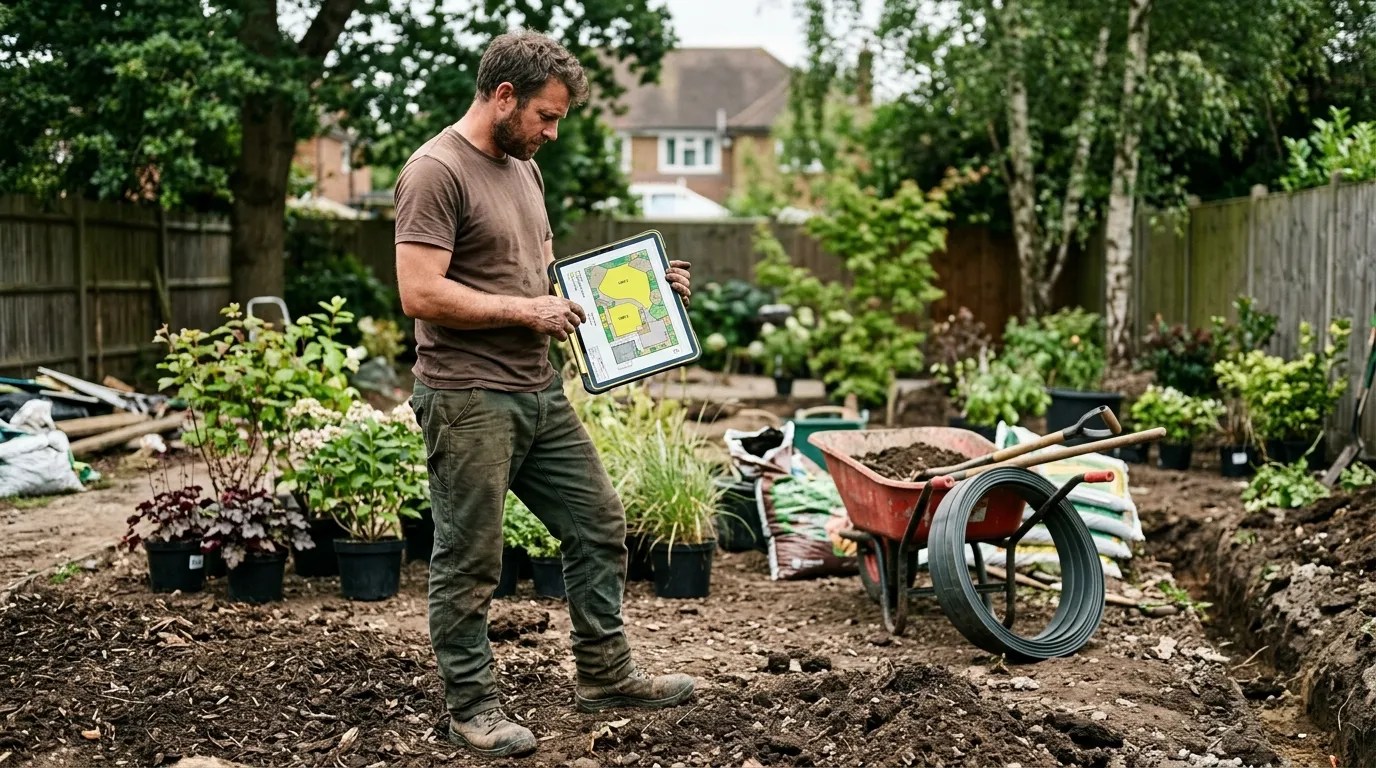
A landscaper who quotes accurately protects their margin on tricky ground: a garden is almost never rectangular. Curved areas, arabesque beds, winding paths: measured with a ruler on a paper plan, error is guaranteed. And every mis-estimated m² of turf is turf, topsoil and labour either short or wasted. A PDF takeoff software turns that landscape plan into exact areas and linear metres, curves included.
This article describes the method landscapers use once they’ve switched to web-based PDF takeoff. Not the $800-a-month enterprise stuff: a simple tool that opens the PDF in the browser, calibrates, measures. Plan on 12 minutes to price a complete garden (turfing, beds, paths, borders), calibration included.
Why PDF takeoff changes everything for a landscaper
A landscaper quotes on four units: turfing and planting area (m²), border and fence linear metres (lm), a count of plants and trees (n), and hard landscaping area (patios, paved paths (m²). Everything else) roll turf or seed, topsoil, mulch, labour: derives from these four numbers.
Before: paper plan unfolded, ruler in hand, and you hit the curved shapes. An arabesque bed measured to a bounding rectangle is 30 % error. A winding path “estimated” by length, same. On a 400 m² garden, that’s 2 hours of office time and an error margin paid for in a botched turf delivery.
After: open the PDF in Surplan, calibrate once, and trace polygons with bézier curves that follow the landscape plan shapes exactly. Area shown in real m² on every click, curves included. Winding paths trace as bézier polylines: the linear is exact.
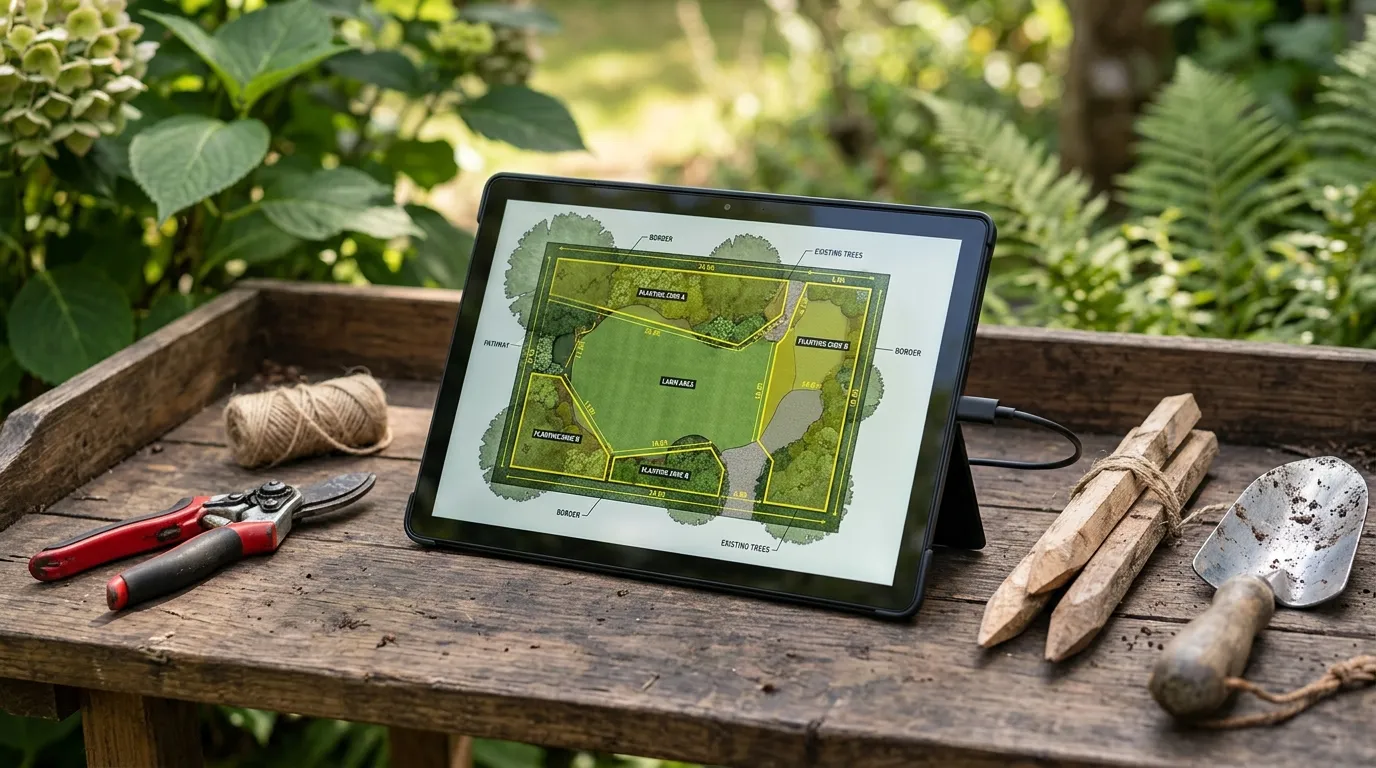
The time gap isn’t marginal. Paper + Excel: 1 h 45 to 2 h 15. Well-honed PDF tool: 12 minutes, recap export included. And critically, accuracy on curved shapes: a bézier polygon following the bed beats an approximate rectangle by far.
The 4 measurements a landscaper takes from a plan
1. Turfing and planting area
The bulk of the planting quote. Trace a bézier polygon that follows the plan contours exactly: lawn, beds, ground-cover zones. Surplan handles curves: an arabesque bed traces faithfully, not approximated. The area drops in real m².
Tip: create a category per type (“Roll turf”, “Seeded lawn”, “Perennial bed”, “Ground cover”) each with its m² price (supply + soil prep + laying).
2. Border and fence linear metres
Concrete, corten steel, timber borders; fences, mesh, chestnut paling. Trace a polyline along the route. For curved borders (the general case in landscaping), the bézier polyline follows the curve: the linear is exact, not under-estimated by straight segments.
3. Plant count
Standard trees, shrubs, hedging, specimens. Count mode: one click per plant, one category per species or grade. The tool keeps the counter. On export you get the breakdown: directly usable for the nursery order.
4. Hard landscaping area
Patios, paved paths, stepping stones, gravel zones. One polygon per zone. Distinguish the finishes: paving, block paving, exposed concrete, gravel, each its price and sub-base prep.
Concrete method: price a garden in 12 minutes
Minute 0-1: import + calibration. Open the PDF in Surplan, calibrate on a dimension from the landscape plan (a marked property boundary for instance). All following measurements in real metres.
Minute 1-6: planting areas. Bézier polygons for lawn, beds, planting zones. One category per type. Area on each click, running total.
Minute 6-9: borders and plants. Bézier polylines for borders and fences. Then count trees and shrubs, one category per species.
Minute 9-11: export recap. Surplan exports an annotated PDF (plan with zones colour-coded by type) plus a recap (area by surface type, border linear, plant count per species). CSV for your quoting software and nursery order.
Minute 11-12: quote. Apply your m² prices (turf, bed, hard landscaping), your border lm prices, your per-plant prices. Quote ready.
Comparison: paper, Excel, Bluebeam, Surplan
| Paper plan + ruler | Excel + calculator | Bluebeam Revu | Surplan | |
|---|---|---|---|---|
| Average time (400 m² garden) | 2 h 00 | 1 h 30 | 28 min | 12 min |
| Accuracy (curved shapes) | ±25-30 % | ±20 % | ±1 % | ±1 % (bézier) |
| Annotated plan in quote | no | no | yes (markup) | yes (annotated PDF + recap) |
| Learning curve | none | ~1 h Excel | 3-5 days training | < 10 min |
| Monthly cost | $0 | $0 (~$9/mo Office) | $20/mo ($200/yr) | |
| Data hosting | local | local | United States | France (Paris, EU) |
For a self-employed landscaper or a 2-5 team, a web tool like Surplan is plenty. Bluebeam is oversized: 90 % of features you’ll never use.

Classic pitfalls to avoid
Approximating curves to straight segments
The number-one landscaping trap. A rounded bed or winding path measured in straight segments can lose 20 to 30 % of area or linear. Use the bézier handles: the trace follows the real curve, the takeoff is right.
Forgetting the roll-turf overage
Like tiling, takeoff gives the net area. Roll turf gets cut: count 5 to 8 % waste depending on shape complexity. Apply at quoting time.
Mixing planting and hard landscaping areas
Lawn, bed, paved patio, gravel path: different soil preps, different prices. One measurement category per type, otherwise the recap is unusable.
Not attaching the annotated plan to the quote
Free in every modern tool. The client sees their future garden in colour, understands what they’re paying for, and signs faster. In landscaping, where clients struggle to visualise, that’s a strong argument.
Frequently asked questions
Does Surplan really handle curved shapes?
Yes: polygons and polylines support bézier handles. You trace a vertex, then round the segment by pulling the handle. An arabesque bed or a winding path measure faithfully.
How do I price a sloped plot?
The plan gives the area in horizontal projection. For a marked slope, apply an overage coefficient (the real area of a 30 % bank is ~5 % above its projection). Adjust at the quote by slope.
Does the PDF have to be a pro landscape plan?
No. Architect plan, cadastral plan, site plan, surveyor’s survey: any PDF with a readable dimension works. You trace your project zones on top.
How much does takeoff software cost for an independent landscaper?
Surplan is €19 ex-VAT per month or €190 ex-VAT per year (~17 % discount, ~2 months free). No commitment, cancel in one click. Over 40 % cheaper than US equivalents like Bluebeam. 2 free plans, no credit card and no time limit.
Are my client plans safe?
Yes: your plans and measurements are hosted in France (Paris) at Supabase, on AWS infrastructure. Encryption at rest and in transit. GDPR-native.
Does it replace my quoting software?
No, it complements it. Surplan computes areas, linear metres and counts from the plan. You export to CSV and import the lines into EBP, Sage, or whatever you use.
The bottom line
A landscaper who goes from 2 hours to 12 minutes per quote doesn’t just save time: they gain accuracy on curves. No more approximated bed, no more under-estimated path, no more botched turf delivery. And the margin stays intact.
If you want to try, Surplan’s 2 free plans don’t ask for a credit card. Import a plan, calibrate, trace a curved bed. You’ll know in 20 minutes if it fits how you work.