

Electrician
Takeoff software for electricians: price an install in 12 minutes
How an electrician prices a complete install from a PDF plan, no CAD. Outlet count, cable linear metres, dedicated circuits: method and worked example.
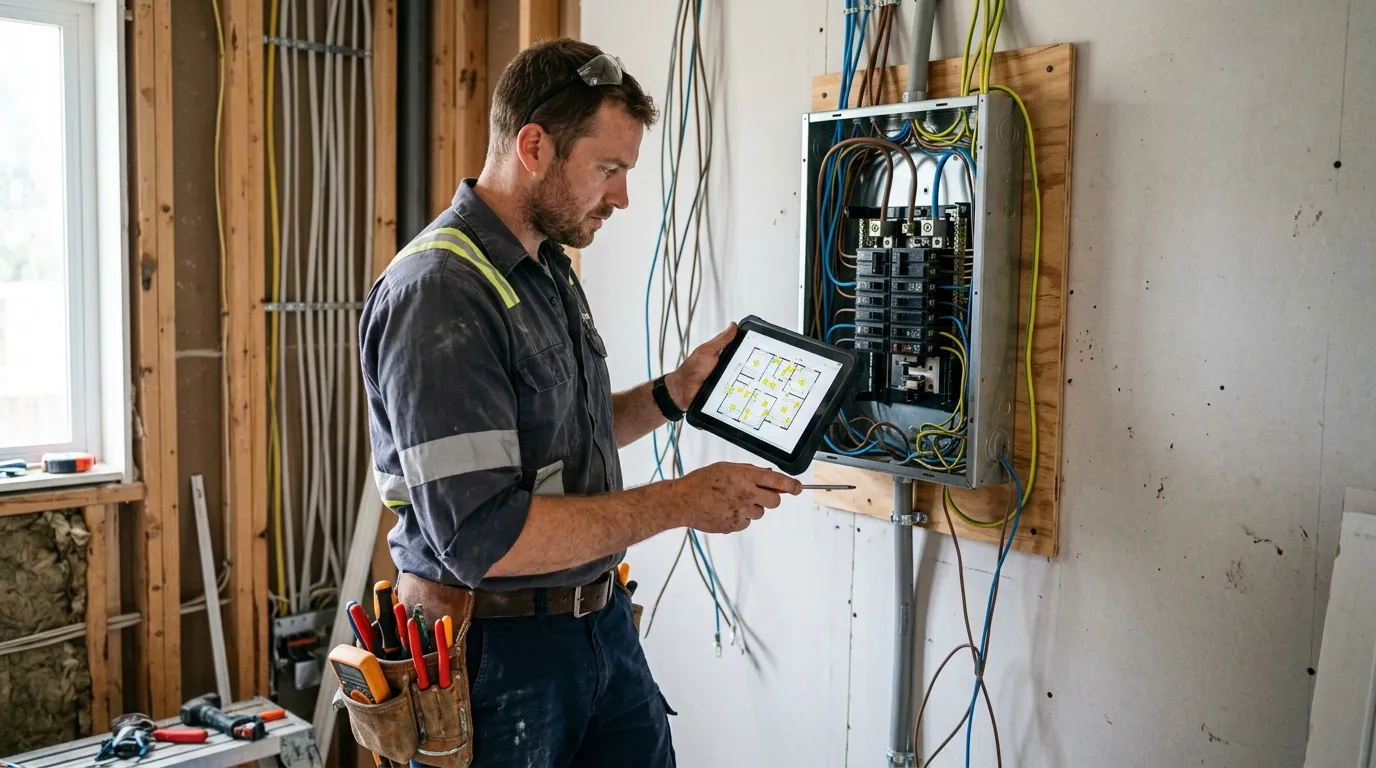
An electrician who quotes fast and accurately dodges three cascading traps: under-estimating hardware (modules, breakers, boxes), missing points (outlets, switches, lights) while sweeping the plan, and applying the wrong cable ratio to dedicated circuits. Three banal mistakes that together eat 8 to 12 % of margin on a standard 3-room job. And they vanish the moment takeoff moves to a PDF takeoff software.
This article describes the method electricians use once they’ve switched to a web-based PDF takeoff tool. Not the $800-a-month enterprise stuff: a simple tool that opens the client’s PDF in the browser, calibrates, measures. Plan on 12 minutes to price a complete 3-room flat to code, calibration included.
Why PDF takeoff changes everything for an electrician
An electrician quotes from four main units: power points (15 A outlets, dedicated 20/30 A outlets, switches, two-way), lighting points (ceiling, downlights, pendants), cable linear metres (1.5 mm² for lighting, 2.5 mm² for outlets, 6 mm² for cooker/oven), and panels/sub-panels count (modules, RCDs, MCBs).
Before: paper plan, pencil annotation symbol by symbol, mental counting, Excel sums. On a code-compliant 3-room (≈ 25 outlets + 15 lighting points + 6 dedicated circuits), that’s 2 hours of office time with silent omissions on top: a hallway switched outlet, a smoke detector per floor, outdoor circuit protection.
After: open the PDF in Surplan, calibrate once, and drop each symbol in count mode, one category per point type. The counter updates live, per room. For cable, trace a polyline per circuit; the tool gives exact linear metres.
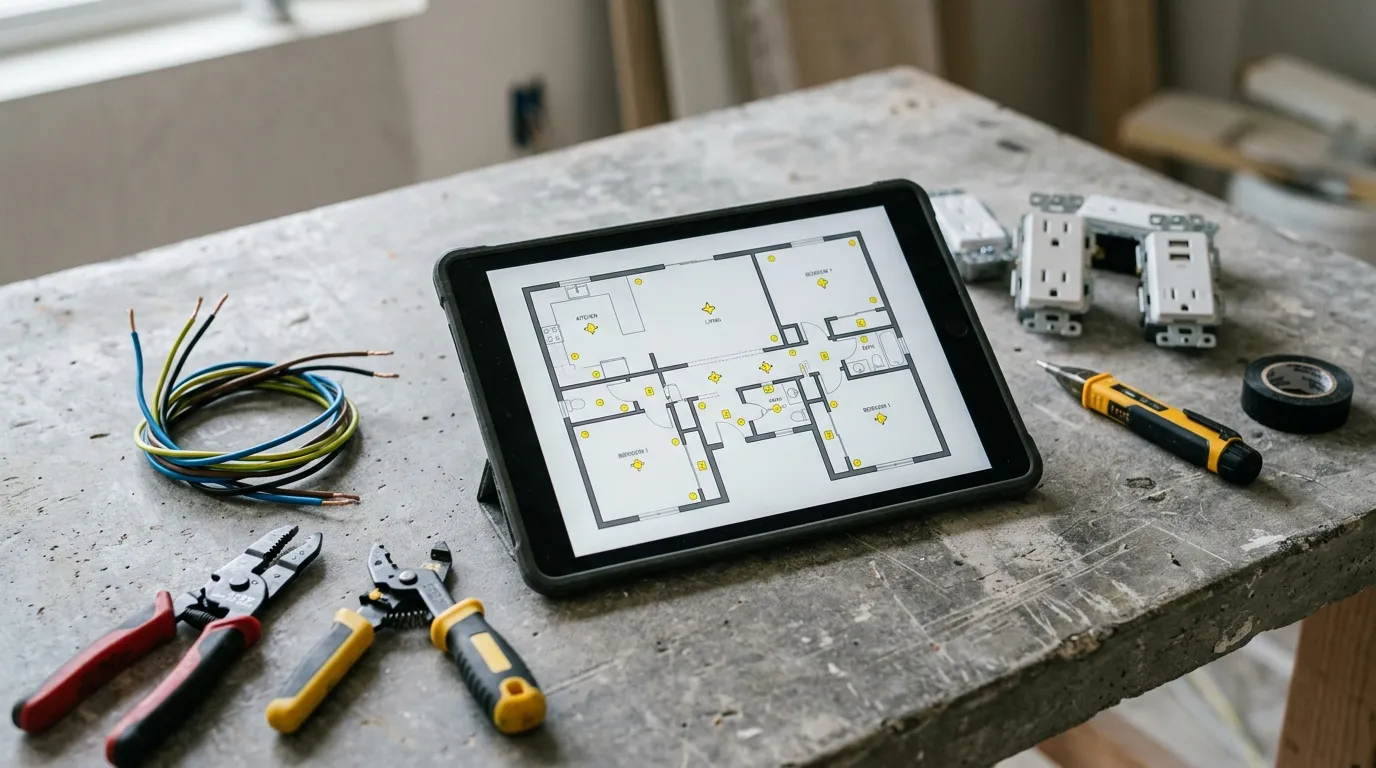
The time gap isn’t marginal. On a code-compliant 3-room install, paper + Excel takes 1 h 30 to 2 h 00. On a well-honed PDF tool: 12 minutes, recap export included. And critically, no more missed point: no more mid-job change request because the bedroom is two outlets short.
The 4 measurements an electrician takes from a plan
1. Outlets and switches
The dominant unit by count: 20 to 30 points on a standard 3-room, more with switched outlets and dimmers. Create one category per type: “15 A outlet”, “Dedicated 20 A”, “Single switch”, “Two-way”, “Dimmer”. Count mode: one click per symbol, the tool keeps a counter per category.
Code tip: pre-set the minimums, 3 outlets per bedroom minimum, 1 outlet per 4 metres of wall in living room, 1 outlet above the worktop every 0.60 m in the kitchen. Stops omissions at install time.
2. Lighting points
Ceiling DCL, wall DCL, recessed downlights, pendants, exterior bulkheads, motion detectors, smoke alarms. One category per type. On a code 3-room, expect 12 to 18 lighting points.
3. Cable linear metres (per section)
The electrician’s gold polyline. Trace one polyline per circuit, from panel to last point of the circuit, following probable chases (typically 30 cm below ceiling + vertical drops). Create three families: 1.5 mm² (lighting), 2.5 mm² (outlets), 6 mm² (oven, cooker, water heater).
For dedicated circuits (dishwasher, washing machine, dryer), one circuit = one separate polyline. You stop forgetting to bill them.
4. Panels and sub-panels
One count per panel, then estimate module count (1 module per MCB + 1 per RCD + 1 for main switch). A code 3-room typically needs 40-60 modules across 1 main 4-row panel.
Concrete method: price a 3-room electrical install in 12 minutes
Typical sequence for a code-compliant 3-room.
Minute 0-1: import + calibration. Open the PDF in Surplan, calibrate on an architect dimension (façade length). All following measurements in real metres.
Minute 1-5: count points. Category “15 A outlet”, room by room, one click per outlet on the plan. Then “Dedicated 20 A” (kitchen, bathroom). Then “Switches”. Then “Two-way”. Then “Ceiling DCL”. Then “Downlights”. Live counters.
Minute 5-9: trace cables per circuit. Polyline for each circuit, from panel to last point, following chases. One family “Cable 1.5 mm²” for lighting, “Cable 2.5 mm²” for outlets, “Cable 6 mm²” for dedicated heavy circuits.
Minute 9-11: export recap. The tool exports an annotated PDF (your plan with symbols colour-coded by category + cable runs by section) plus a recap (n by point type, lm by cable section, panel modules count). CSV for your quoting software.
Minute 11-12: quote. Apply your unit prices (per point type, per cable lm, per panel module). Quote ready.
Comparison: paper, Excel, Bluebeam, Surplan
| Paper plan + ruler | Excel + calculator | Bluebeam Revu | Surplan | |
|---|---|---|---|---|
| Average time (code 3-room) | 1 h 45 | 1 h 15 | 28 min | 12 min |
| Accuracy (cable linear) | ±15 % | ±10 % | ±1 % | ±1 % |
| Points missed (average) | 3-5 | 1-3 | 0-1 | 0-1 |
| Annotated plan in quote | no | no | yes (markup) | yes (annotated PDF + recap) |
| Monthly cost | $0 | $0 (~$9/mo Office) | $20/mo ($200/yr) | |
| Data hosting | local | local | United States | France (Paris, EU) |
For a self-employed electrician or a 2-5 team, a focused web tool like Surplan is plenty. Bluebeam is massive in big M+E firms, but 90 % of its features won’t ever serve you.
Classic pitfalls to avoid
Forgetting dedicated circuits
Trap number one. Dishwasher, washer, dryer, oven, cooker, water heater, separate freezer: each one must have its own dedicated circuit per the wiring regulations. If you don’t trace a separate polyline per dedicated circuit, you under-bill cable AND you risk failing the conformity inspection.
Mixing cable sections into one family
If you trace everything as “cable” without distinguishing 1.5 / 2.5 / 6 mm², you can’t apply the right price per lm at export. Always one family per section.
Under-estimating chases and patching
The cable trace on plan gives the horizontal linear. You forget the vertical dimension (vertical chase from ceiling to socket for each outlet). Add a flat per outlet: 0.8 m of vertical chase per point in a standard home.
Counting the panel as one module
A panel is 1 main switch + 4-6 RCDs + 15-30 MCBs + jumpers + busbars. Don’t bill “1 panel” at €200: bill modules one by one, install labour separately.
Frequently asked questions
How do I handle a code-compliant install?
Wiring regs impose minimums per room (outlets, lighting points, dedicated circuits). Pre-set your counting categories to match those minimums. At takeoff time you instantly see per room whether you’re below threshold: useful to remind the client you can’t go lower.
And for an existing non-compliant home?
Trace the existing to quantify the strip-out, then the new separately. Surplan lets you manage several measurement sets on the same plan via categories.
Is the client plan in colour or B&W?
Both work. For very busy plans (architect mixing low-voltage and lighting), zoom to 200 % and trace by category to avoid mixing.
How much does takeoff software cost for an independent electrician?
Surplan is €19 ex-VAT per month or €190 ex-VAT per year (~17 % discount, ~2 months free). No commitment, cancel in one click. Over 40 % cheaper than US equivalents like Bluebeam. 2 free plans, no credit card and no time limit.
Are my client plans safe?
Yes: your plans and measurements are hosted in France (Paris) at Supabase, on AWS infrastructure. Encryption at rest and in transit. GDPR-native. You stay owner of your data.
Does it replace my quoting software?
No, it complements it. Surplan computes counts and linear metres from the plan. You export to CSV and import the lines into your usual quoting tool.
The bottom line
An electrician who goes from 1 h 45 to 12 minutes per quote doesn’t just save time: they gain exhaustiveness. No more missed point at install, no more under-billed dedicated circuit, no more hardware bleeding margin. And the margin stays intact.
If you want to try, Surplan’s 2 free plans don’t ask for a credit card. Import a plan, calibrate, count the outlets of one room. You’ll know in 20 minutes if it fits how you work.