

Roofer
Takeoff software for roofers: price a roof in 12 minutes
How a roofer prices a roof from a PDF plan, no CAD. Roof area, ridges, verges, penetrations: method and full worked example with pitch coefficient.
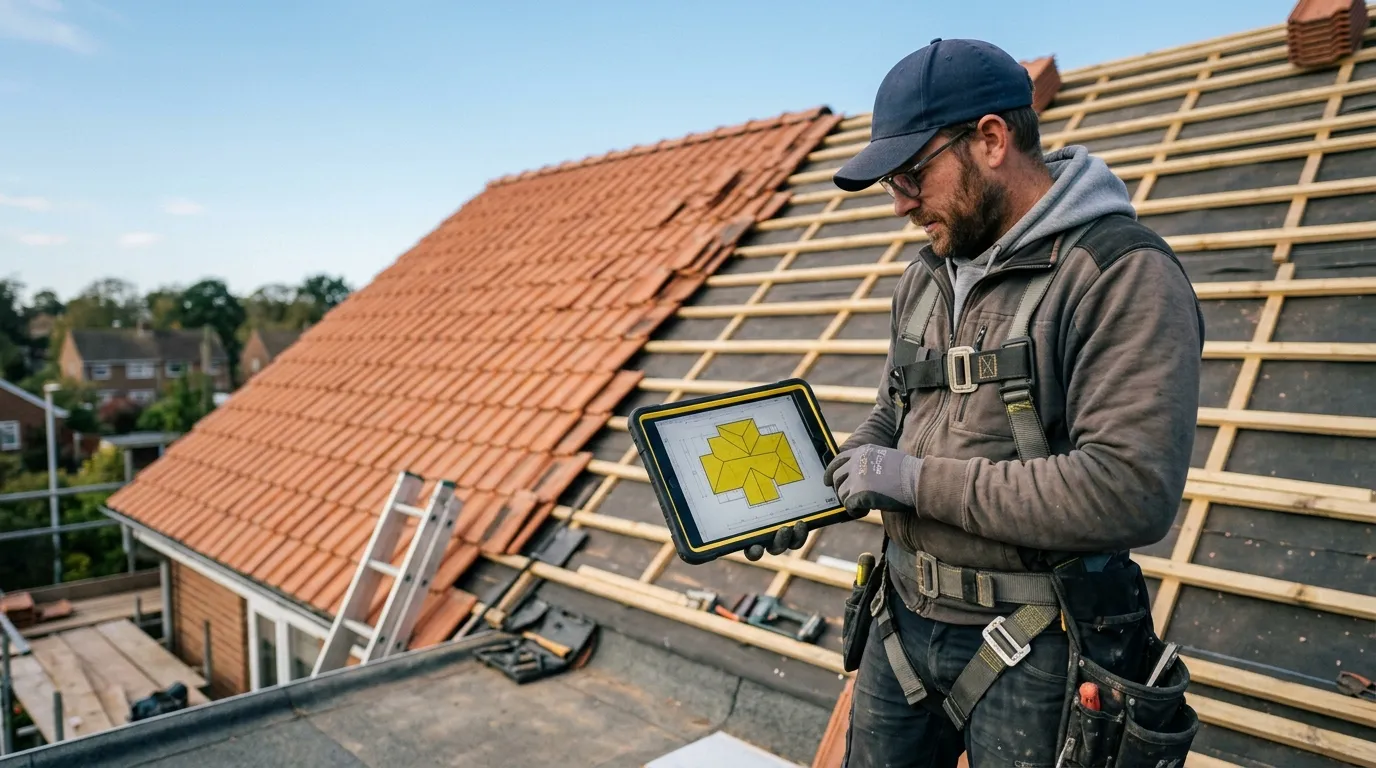
A roofer who quotes accurately avoids the trade’s most expensive trap: confusing footprint area with roof area. A 100 m² footprint dual-pitch roof is 110 to 130 m² of actual covering depending on pitch. Under-estimate that ratio, and it’s tiles, battens and labour short on a job up high, where every trip costs. A PDF takeoff software turns the roof plan into exact areas and linear metres, pitch included.
This article describes the method roofers use once they’ve switched to web-based PDF takeoff. Not the $800-a-month enterprise stuff: a simple tool that opens the PDF in the browser, calibrates, measures. Plan on 12 minutes to price a complete roof (covering, ridges, verges, penetrations), calibration included.
Why PDF takeoff changes everything for a roofer
A roofer quotes on four units: roof covering area (m²), ridge and hip linear metres (lm), verge and eave linear metres (lm), and a count of penetrations (chimneys, rooflights, vents). Everything else (tiles or slates, battens, underlay, ridge accessories, labour) derives from these four numbers.
Before: paper plan unfolded, ruler in hand, measuring the footprint, applying a pitch coefficient “from memory”. On a complex roof (hips, valleys, dormers), that’s 2 hours of office time and a pitch coefficient applied by gut: hence 10 to 15 % swings on the covering.
After: open the PDF in Surplan, calibrate once, and trace a polygon per roof slope on the roof plan. For the actual pitched area, apply the matching pitch coefficient (entered once per slope). Ridge, hip and verge linear metres trace as polylines.

The time gap isn’t marginal. Paper + Excel: 1 h 45 to 2 h 30. Well-honed PDF tool: 12 minutes, recap export included. And critically, you make the pitch ratio reliable: no more covering area estimated by feel, no more pallet of tiles short or surplus.
The 4 measurements a roofer takes from a plan
1. Roof covering area
The core of the quote. Trace one polygon per roof slope on the plan. The plan gives the area in horizontal projection; you apply the pitch coefficient to get the actual covering area. Common coefficients: ×1.12 for 30°, ×1.20 for 35°, ×1.30 for 45°. Surplan lets you enter that coefficient per slope category.
Tip: create a category per covering type (“Clay tile”, “Slate”, “Zinc”) and per pitch if the roof has several.
2. Ridge and hip linear metres
Upper lines of the roof: ridge (horizontal at the top), hips (projecting diagonals), valleys (re-entrant diagonals). Trace each as a polyline. Ridge and hips drive the accessories (ridge tiles, closures); valleys, the zinc linear.
3. Verge and eave linear metres
Eave (bottom edge, where water drains), verges (side edges). Polyline along each edge. The eave drives the gutter and eave-strip linear; the verges, the verge tiles or verge strips.
4. Penetration count
Chimneys, flues, rooflights, vents, frames. Count mode: one click per penetration, one category per type. Each is a complex sealing point (flashings, soakers, abutments) to price in labour and accessories.
Concrete method: price a roof in 12 minutes
Minute 0-1: import + calibration. Open the roof PDF in Surplan, calibrate on a dimension (a marked ridge length for instance). All following measurements in real metres.
Minute 1-6: trace slopes. One polygon per slope. Enter the pitch coefficient per category: the actual covering area computes.
Minute 6-9: ridges, verges and penetrations. Polylines for ridge, hips, valleys, verges, eaves. Then count chimneys, rooflights and vents.
Minute 9-11: export recap. Surplan exports an annotated PDF (plan with slopes colour-coded + ridge/verge lines marked) plus a recap (covering area by type, ridge/verge linear, n penetrations). CSV for your quoting software.
Minute 11-12: quote. Apply your m² covering prices, your ridge and verge lm prices, your per-penetration fixed prices. Quote ready.
Comparison: paper, Excel, Bluebeam, Surplan
| Paper plan + ruler | Excel + calculator | Bluebeam Revu | Surplan | |
|---|---|---|---|---|
| Average time (complex roof) | 2 h 15 | 1 h 45 | 30 min | 12 min |
| Accuracy (covering area) | ±10-15 % | ±8 % | ±1 % | ±1 % |
| Annotated plan in quote | no | no | yes (markup) | yes (annotated PDF + recap) |
| Learning curve | none | ~1 h Excel | 3-5 days training | < 10 min |
| Monthly cost | $0 | $0 (~$9/mo Office) | $20/mo ($200/yr) | |
| Data hosting | local | local | United States | France (Paris, EU) |
For a self-employed roofer or a 2-5 team, a web tool like Surplan is plenty. Bluebeam is oversized: 90 % of features you’ll never use.

Classic pitfalls to avoid
Confusing footprint and roof area
THE roofer’s trap. The site plan gives the footprint area. The actual covering is bigger: by 12 to 30 % depending on pitch. Always apply the pitch coefficient. Surplan lets you enter it per slope, so the recap outputs the real area.
Forgetting overlaps and waste
Beyond the area, tiles overlap and get cut at verges and valleys. Count 5 to 10 % overage depending on roof complexity. Apply at the quote, like the pitch coefficient.
Under-estimating the flashing linear
Valleys, hips, abutments, verge strips: every metre of zinc counts. Trace them all as polylines: a forgotten linear is wasted flashing and a potential leak point.
Not attaching the annotated plan to the quote
Free in every modern tool. The client sees the slopes, ridges, penetrations in colour. On a roof, where they never climb up to look, that’s reassuring: they sign faster.
Frequently asked questions
How do I know the pitch if it isn’t marked?
If the plan doesn’t state the pitch, ask the client or measure it on site (a simple level and tape will do). You enter the degree or percentage in Surplan, which applies the right coefficient.
And roofs with several pitches?
One category per pitch. You trace the 30° slopes in one category, the 45° ones in another, each with its coefficient. The recap sums correctly.
Does the PDF have to be a specific roof plan?
Ideally yes, but a site plan or plan view with the roof projection works. Any PDF with a readable dimension for calibration is fine.
How much does takeoff software cost for an independent roofer?
Surplan is €19 ex-VAT per month or €190 ex-VAT per year (~17 % discount, ~2 months free). No commitment, cancel in one click. Over 40 % cheaper than US equivalents like Bluebeam. 2 free plans, no credit card and no time limit.
Are my client plans safe?
Yes: your plans and measurements are hosted in France (Paris) at Supabase, on AWS infrastructure. Encryption at rest and in transit. GDPR-native.
Does it replace my quoting software?
No, it complements it. Surplan computes areas and linear metres from the plan. You export to CSV and import the lines into EBP, Sage, or whatever you use.
The bottom line
A roofer who goes from 2 h 15 to 12 minutes per quote doesn’t just save time: they gain area reliability. No more footprint/covering confusion, no more pitch coefficient by feel, no more surplus pallet of tiles. And the margin stays intact.
If you want to try, Surplan’s 2 free plans don’t ask for a credit card. Import a roof plan, calibrate, trace two slopes. You’ll know in 20 minutes if it fits how you work.