

Tile setter
Takeoff software for tile setters: price a job in 10 minutes
How a tile setter prices floors and walls from a PDF plan, no CAD. Areas, skirting, waste factor, singular points: method and full worked example.
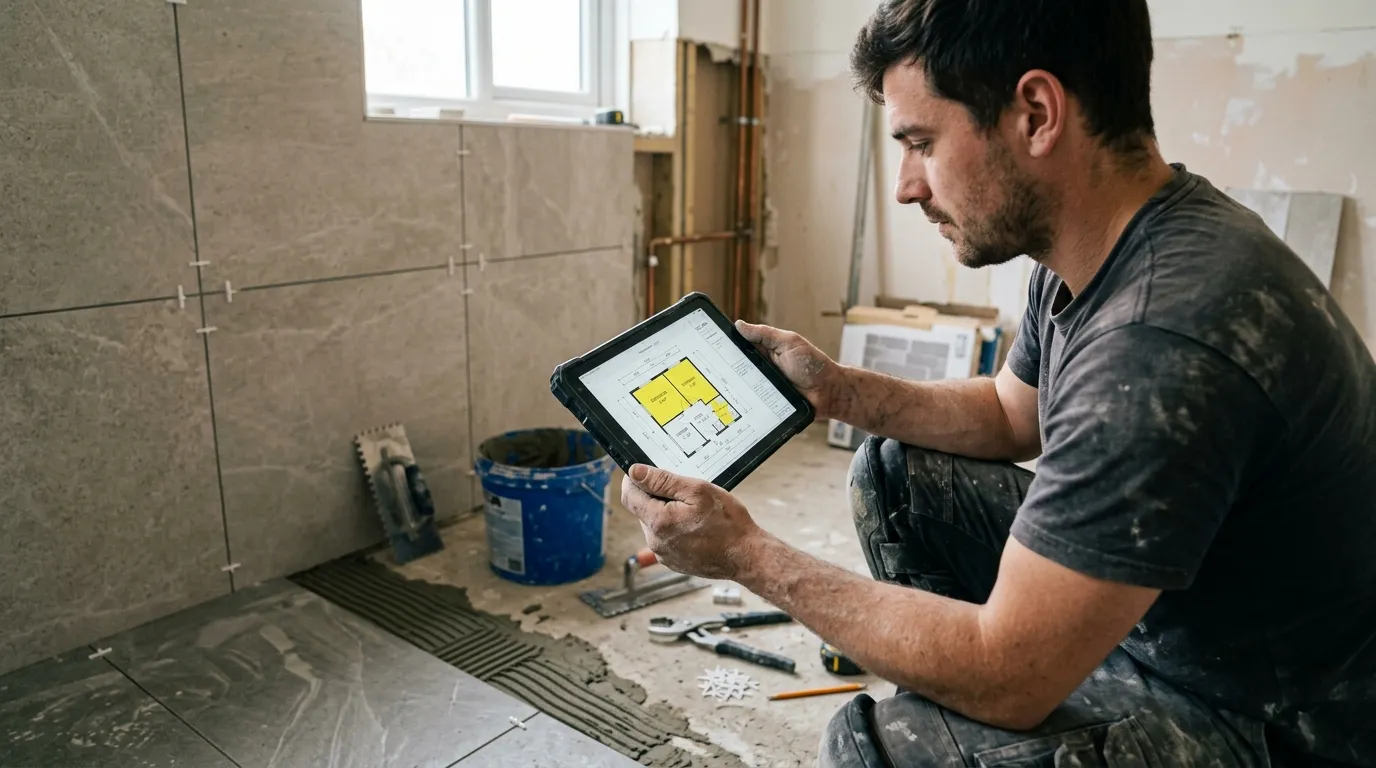
A tile setter who quotes accurately protects their margin on two fronts: area (under-estimated, it eats the margin; over-estimated, it loses the quote) and waste (forgotten, that’s 8 to 12 % of tile lost outright). All starting from a PDF plan the client emails over. That’s exactly what a PDF takeoff software does: it turns that PDF into exact areas in minutes.
This article describes the method tile setters use once they’ve switched to web-based PDF takeoff. Not the $800-a-month enterprise stuff: a simple tool that opens the PDF in the browser, calibrates, measures. Plan on 10 minutes to price a bathroom + kitchen + living room, calibration included.
Why PDF takeoff changes everything for a tile setter
A tile setter quotes on four units: floor area (m²), wall/splashback area (m²), skirting or trim linear metres (lm), and a count of singular points (shower drains, wastes, service outlets to cut around). Everything else (adhesive, grout, primer, labour) derives from these four numbers.
Before: paper plan unfolded, ruler in hand, measuring each room, jotting 12.4 m² here, 8.7 m² there, summing in Excel. On a bathroom + kitchen + living room job, that’s 1 h 30 to 2 h of office time. And the smallest dimension misread is paid for in missing tile on a Saturday morning, shop closed.
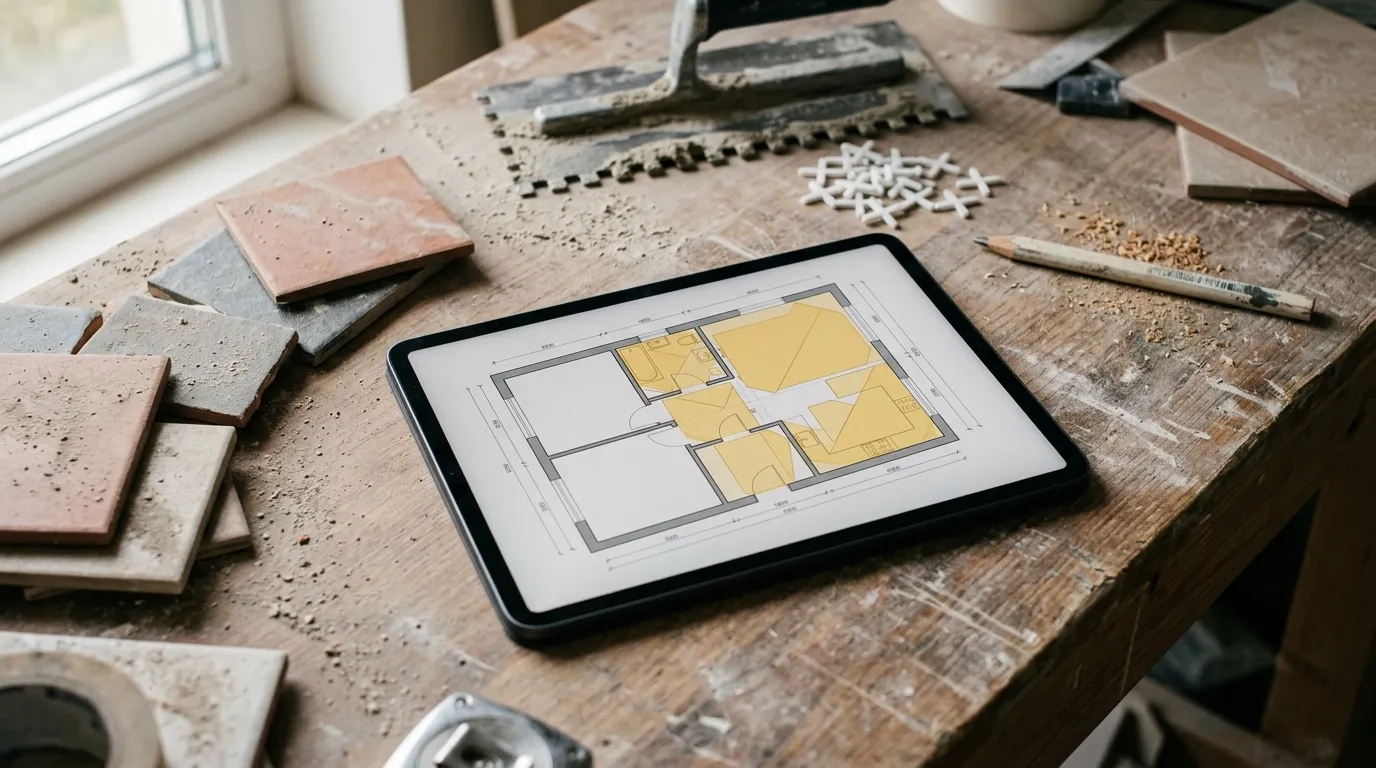
After: open the PDF in Surplan, calibrate once on an architect dimension, and trace the polygon of each room. The area shows in real m² on every click. The tool sums everything in a live total at the bottom of the screen.
The time gap isn’t marginal. Paper + Excel: 1 h 30 to 2 h. Well-honed PDF tool: 10 minutes, recap export included. And critically, you attach the annotated plan to the quote: the client sees exactly which rooms are tiled, and there’s no more dispute over “I thought the laundry was included”.
The 4 measurements a tile setter takes from a plan
1. Floor area
The bulk of the quote. Trace a polygon around each tiled room. The tool gives the floor area instantly. For non-rectangular rooms (sloped ceiling, angle, alcove), the polygon follows the exact shape: no approximation to a bounding rectangle.
Waste tip: create a “Floor” category and apply your waste coefficient (8 % for straight lay, 12-15 % for diagonal or demanding patterns) at quoting time, not before. Takeoff gives the net area; waste is a commercial decision.
2. Wall area (splashback)
For splashback, two approaches. If the elevation is on the PDF, trace the splashback polygons directly. Otherwise, measure the linear of wall to tile and multiply by the splashback height (often 2.00 m or full height). Surplan handles both: direct polygon, or linear × entered height.
3. Skirting and trim linear metres
= Room perimeter − door threshold widths. The polygon you traced for the floor already gives the perimeter: subtract 0.80 m per threshold. For decorative ceramic trim, a separate linear.
4. Singular points
Shower drain, tray waste, WC outlet, void, service outlet to cut around. Count mode: one click per point. It reminds you of the complex cut-outs to price as extra labour: the ones systematically forgotten on gut feel.
Concrete method: price a tiling job in 10 minutes
Minute 0-1: import + calibration. Open the PDF in Surplan, calibrate on an architect dimension. All following measurements in real metres.
Minute 1-5: trace floors. One polygon per tiled room. Floor area on each click, running total at the bottom. Category “Floor porcelain 60×60”, “Shower floor”, etc. by product.
Minute 5-7: splashback and skirting. Splashback polygons (or linear × height). Then skirting linear by deducting from the perimeter.
Minute 7-9: export recap. Surplan exports an annotated PDF (plan with surfaces colour-coded per room) plus a recap (area by room and product, linear metres, singular points). CSV for your quoting software.
Minute 9-10: quote. Apply your m² prices (supply + install), your waste coefficient, your skirting and cut-out prices. Quote ready.
Comparison: paper, Excel, Bluebeam, Surplan
| Paper plan + ruler | Excel + calculator | Bluebeam Revu | Surplan | |
|---|---|---|---|---|
| Average time (bathroom + kitchen + living) | 1 h 45 | 1 h 15 | 22 min | 10 min |
| Accuracy (area) | ±5 % | ±3 % | ±0.5 % | ±0.5 % |
| Non-rectangular rooms | approximated | approximated | exact | exact (polygon) |
| Annotated plan in quote | no | no | yes (markup) | yes (annotated PDF + recap) |
| Monthly cost | $0 | $0 (~$9/mo Office) | $20/mo ($200/yr) | |
| Data hosting | local | local | United States | France (Paris, EU) |
For a self-employed tile setter or a 2-5 team, a web tool like Surplan is plenty. Bluebeam is oversized: you pay for 90 % of features you’ll never use.
Classic pitfalls to avoid
Forgetting the waste coefficient
Trap number one. Takeoff gives the net area. But laying means cutting: 8 % loss on straight lay, up to 15 % on diagonal or a demanding pattern. Order the net area and you fall short. Always apply the coefficient at quoting time.
Approximating odd-shaped rooms to a rectangle
A bathroom with an alcove or sloped ceiling isn’t a rectangle. Measured to a bounding rectangle, you over-charge (and lose the quote) or under-charge. The polygon follows the exact shape: use it.
Mixing products into one surface
Living-room floor in 60×60 porcelain, shower floor in mosaic, kitchen splashback in metro: three products, three prices. Trace one measurement category per product, otherwise you no longer know what to bill at which price.
Not attaching the annotated plan to the quote
Free in every modern tool. The client sees the tiled rooms in colour, understands the quote scope, and signs faster.
Frequently asked questions
How do I price splashback if the elevation isn’t on the plan?
Measure the linear of wall to tile on the 2D plan, and multiply by the splashback height (entered once). Surplan supports this linear × height measurement. Accuracy identical to an elevation polygon.
Does the PDF have to be vectorial?
No. A scan of a paper plan works too, as long as a dimension is readable for calibration. Accuracy after calibration is nearly identical.
How do I handle a particular pattern (diagonal, opus)?
Takeoff gives the area; the pattern changes the waste coefficient, not the area. Diagonal lay → 12-15 % instead of 8 %. You apply it at the quote.
How much does takeoff software cost for an independent tile setter?
Surplan is €19 ex-VAT per month or €190 ex-VAT per year (~17 % discount, ~2 months free). No commitment, cancel in one click. Over 40 % cheaper than US equivalents like Bluebeam. 2 free plans, no credit card and no time limit.
Are my client plans safe?
Yes: your plans and measurements are hosted in France (Paris) at Supabase, on AWS infrastructure. Encryption at rest and in transit. GDPR-native.
Does it replace my quoting software?
No, it complements it. Surplan computes areas and linear metres from the plan. You export to CSV and import the lines into EBP, Sage, or whatever you use.
The bottom line
A tile setter who goes from 1 h 45 to 10 minutes per quote doesn’t just save time: they gain area reliability. No more mis-measured room, no more missing tile on a Saturday, no more forgotten waste. And the margin stays intact.
If you want to try, Surplan’s 2 free plans don’t ask for a credit card. Import a plan, calibrate, trace two rooms. You’ll know in 20 minutes if it fits how you work.