

Plasterer
Takeoff software for drywall installers: price a job in 10 minutes
How a drywall installer prices partitions and ceilings from a PDF plan, no CAD. Areas, track, studs, hatches: method and full worked example.

A drywall installer who quotes fast and accurately keeps two numbers under control: board area (partitions + ceilings + wall lining) and framing linear metres (track + studs). Under-estimate one, the margin melts; forget the other, the hardware bleeds. All starting from a PDF plan the client sends over. That’s exactly what a PDF takeoff software solves.
This article describes the method drywall installers use once they’ve switched to web-based PDF takeoff. Not the $800-a-month enterprise stuff: a simple tool that opens the PDF in the browser, calibrates, measures. Plan on 10 minutes to price a complete fit-out (partitions + ceilings + wall lining), calibration included.
Why PDF takeoff changes everything for a drywall installer
A drywall installer quotes on four units: partition area (m²), ceiling and wall-lining area (m²), framing linear metres (track and studs (lm), and a count of hatches and duct penetrations (n). Everything else) boards, insulation, screws, tape, compound, labour: derives from these four numbers.
Before: paper plan unfolded, ruler in hand, measuring partition runs, multiplying by height, jotting ceiling areas room by room in Excel. On a floor to fit out, that’s easily 2 hours of office time. And the framing linear gets estimated by gut feel: hence 15 % swings on hardware.
After: open the PDF in Surplan, calibrate once, and trace partitions as linear runs directly on the plan. The tool gives the exact linear metres; you multiply by the ceiling height entered once. For ceilings, one polygon per room.
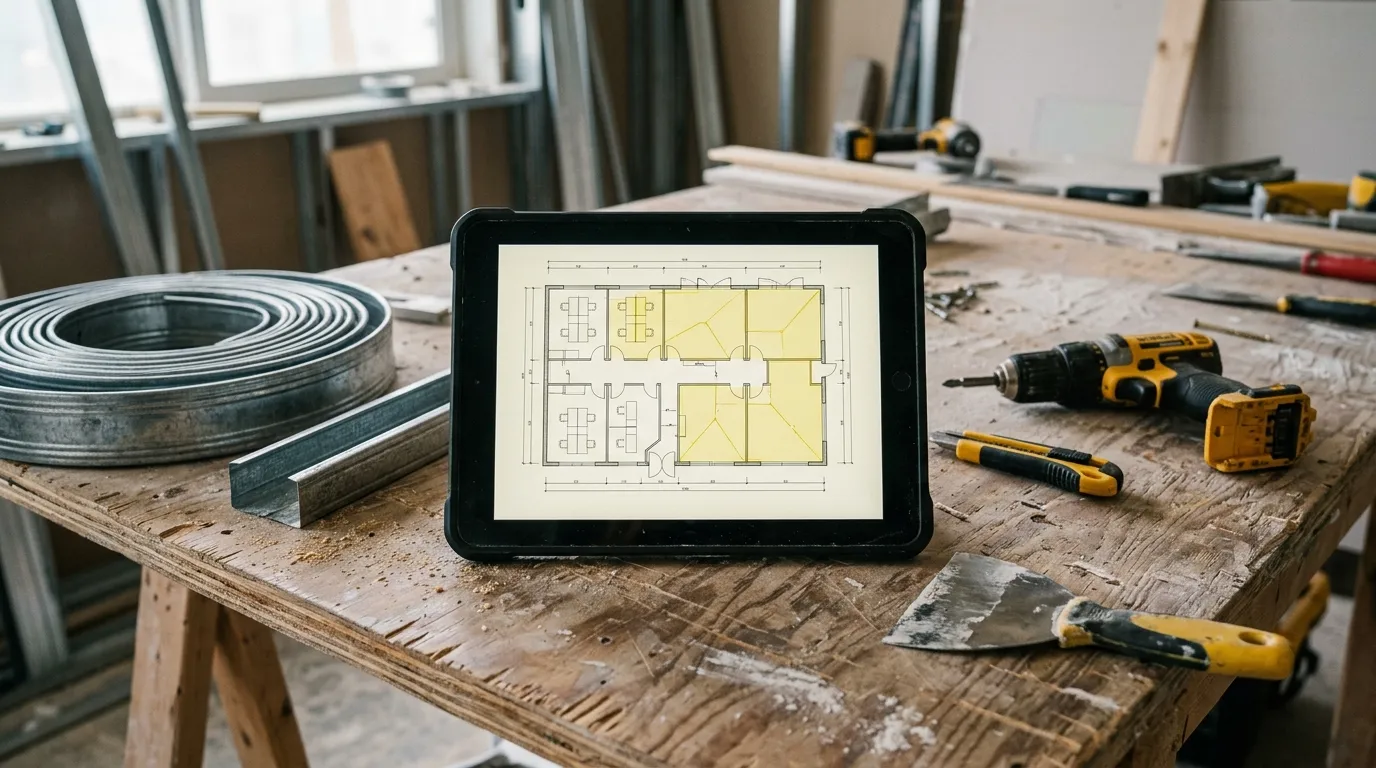
The time gap isn’t marginal. Paper + Excel: 1 h 45 to 2 h 15. Well-honed PDF tool: 10 minutes, recap export included. And critically, you gain reliability on the framing: no more track and studs estimated by gut, no more hardware bleeding.
The 4 measurements a drywall installer takes from a plan
1. Partition area
The core of the quote. Trace each partition as a linear run on the plan, following the layout. The tool sums the linear; you multiply by the ceiling height (entered once). For a double-layer or twin-frame partition, count the faces: a separating partition = 2 board faces.
Tip: create a category per partition type (“Partition 72/48”, “Partition 98/48 moisture-resistant”, “Wall lining”) so you don’t mix board references at export.
2. Ceiling and wall-lining area
One polygon per room for suspended or boarded ceilings. For perimeter wall lining (thermal insulation), trace the lined-wall linear × height, like a partition. Surplan separates the categories: “Ceiling board”, “Lining 13+80”, etc.
3. Framing linear metres
This is what gets forgotten most. Top and bottom track (= partition linear × 2), studs (= partition linear ÷ 0.60 spacing, plus door-frame reinforcements). The tool gives you the exact partition linear; you apply your framing ratios on top. No more hardware estimated by guesswork.
4. Hatches and duct penetrations
Access hatch, service-duct penetration, roller-shutter box reservation, niche. Count mode: one click per item. Each one is a cut-out + a framing reinforcement to price as labour.
Concrete method: price a drywall job in 10 minutes
Minute 0-1: import + calibration. Open the PDF in Surplan, calibrate on an architect dimension. All following measurements in real metres.
Minute 1-5: trace partitions. Trace each partition as a linear run, one category per type. The tool sums. Enter the ceiling height once: the area computes.
Minute 5-8: ceilings and hatches. One polygon per ceiling. The perimeter wall-lining linear. Then count the hatches and duct penetrations.
Minute 8-9: export recap. Surplan exports an annotated PDF (plan with partitions and ceilings colour-coded by type) plus a recap (area by partition type, ceiling area, derived framing linear, n hatches). CSV for your quoting software.
Minute 9-10: quote. Apply your m² board prices by type, your framing ratios, your hatch prices. Quote ready.
Comparison: paper, Excel, Bluebeam, Surplan
| Paper plan + ruler | Excel + calculator | Bluebeam Revu | Surplan | |
|---|---|---|---|---|
| Average time (floor to fit out) | 2 h 00 | 1 h 30 | 25 min | 10 min |
| Accuracy (framing linear) | ±15 % | ±10 % | ±1 % | ±1 % |
| Annotated plan in quote | no | no | yes (markup) | yes (annotated PDF + recap) |
| Learning curve | none | ~1 h Excel | 3-5 days training | < 10 min |
| Monthly cost | $0 | $0 (~$9/mo Office) | $20/mo ($200/yr) | |
| Data hosting | local | local | United States | France (Paris, EU) |
For a self-employed drywall installer or a 2-5 team, a web tool like Surplan is plenty. Bluebeam is oversized: 90 % of features you’ll never use.

Classic pitfalls to avoid
Forgetting to count both faces
A distribution partition is boarded on both sides. If you quote the linear × height, you get the area of ONE face. For board, multiply by 2. For wall lining, one face only. Set this rule from the start, otherwise you under-bill half the board.
Under-estimating the framing
Track (top + bottom), studs at 600 mm spacing, door-frame reinforcements, hatch reinforcements. On a 200 m² partition job, that’s several hundred metres of profile. Estimated by gut, the framing bleeds. Derive it from the exact measured linear.
Confusing partition and wall lining
A partition separates two rooms (2 board faces, full framing). A lining dresses an existing wall (1 face, simple or bonded framing). Two distinct measurement categories, two prices.
Not attaching the annotated plan to the quote
Free in every modern tool. The client sees the partitions and ceilings in colour, understands the scope, and signs faster.
Frequently asked questions
How do I handle variable ceiling heights?
If the job has different heights (attic, mezzanine), create a partition category per height. You enter the height specific to each category. Surplan computes the correct area for each.
And curved or angled partitions?
The polyline trace follows any shape, including curves (with bézier handles). The linear is exact, not approximated to a straight segment.
Does the PDF have to be vectorial?
No. A scan of a paper plan works too, as long as a dimension is readable for calibration. Near-identical accuracy after calibration.
How much does takeoff software cost for an independent drywall installer?
Surplan is €19 ex-VAT per month or €190 ex-VAT per year (~17 % discount, ~2 months free). No commitment, cancel in one click. Over 40 % cheaper than US equivalents like Bluebeam. 2 free plans, no credit card and no time limit.
Are my client plans safe?
Yes: your plans and measurements are hosted in France (Paris) at Supabase, on AWS infrastructure. Encryption at rest and in transit. GDPR-native.
Does it replace my quoting software?
No, it complements it. Surplan computes areas and linear metres from the plan. You export to CSV and import the lines into EBP, Sage, or whatever you use.
The bottom line
A drywall installer who goes from 2 hours to 10 minutes per quote doesn’t just save time: they gain framing reliability. No more track and studs estimated by gut, no more under-counted board, no more hardware bleeding. And the margin stays intact.
If you want to try, Surplan’s 2 free plans don’t ask for a credit card. Import a plan, calibrate, trace two partitions. You’ll know in 20 minutes if it fits how you work.